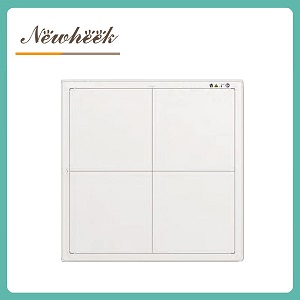
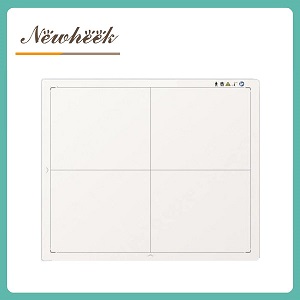
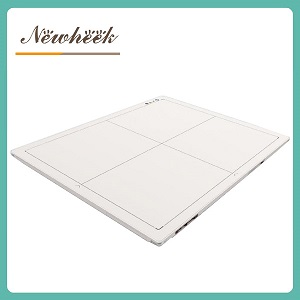
stitching — combining two or more exposures into one long image of a spine or a full leg — is mostly a software job, but the detector quietly decides whether the seam is invisible or the exam gets repeated. Consistent gain between exposures, stable calibration, reliable timing and enough panel coverage per shot matter more than any stitching algorithm. This article walks through what the detector side contributes to long-length imaging, and what to check before you promise a scoliosis or leg-alignment exam to your orthopedic referrals.
Long-length imaging comes up the moment a clinic starts seeing orthopedic work: full-spine films for scoliosis follow-ups, standing leg-alignment studies before knee surgery, occasionally a tall patient whose thoracic and lumbar spine simply do not fit one 17×17 field. The inquiries from orthopedic clinics usually start exactly here — “can your detector do the whole spine in one shot?” The honest answer has two parts, and the second part is the one buyers forget.
Everything below is about the second route, because that is where detector behavior quietly decides image quality.
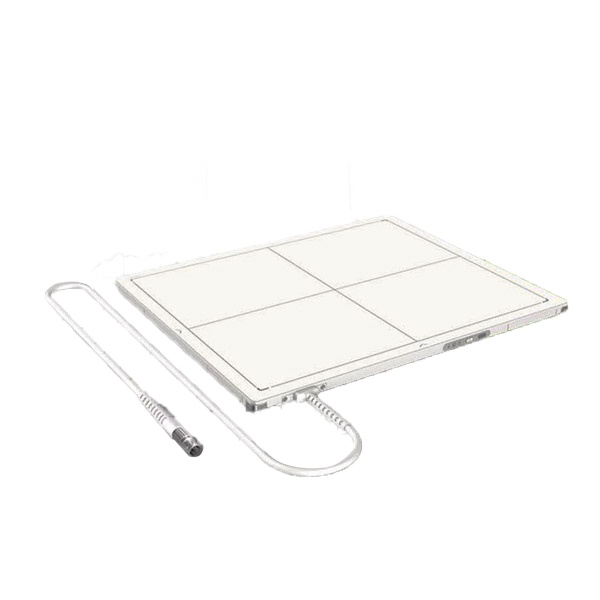
Stitching software can align edges, match brightness on paper and blend transition zones. What it cannot do is invent information that the panel captured inconsistently. Four detector-side properties do the real work:
Between two exposures there is a gap — a few seconds, sometimes longer if the technique changes. Patients sway. Weight shifts. Children, in particular, do not hold a position twice. When the anatomy shifts between fields, the stitch either misaligns, or the software blends over a real position change, and the orthopedic measurement built on that image inherits the error.
This is why standing long-length exams favor bars, calipers and patient-support aids as much as detector specs — and why the practical guidance in the article on adjusting lumbar spine images reads as positioning advice as much as processing advice. The detector’s contribution here is speed and preview: an immediate low-dose-style preview after each field lets the operator confirm overlap and position before the patient leaves the wall stand, instead of discovering the problem at the review station.
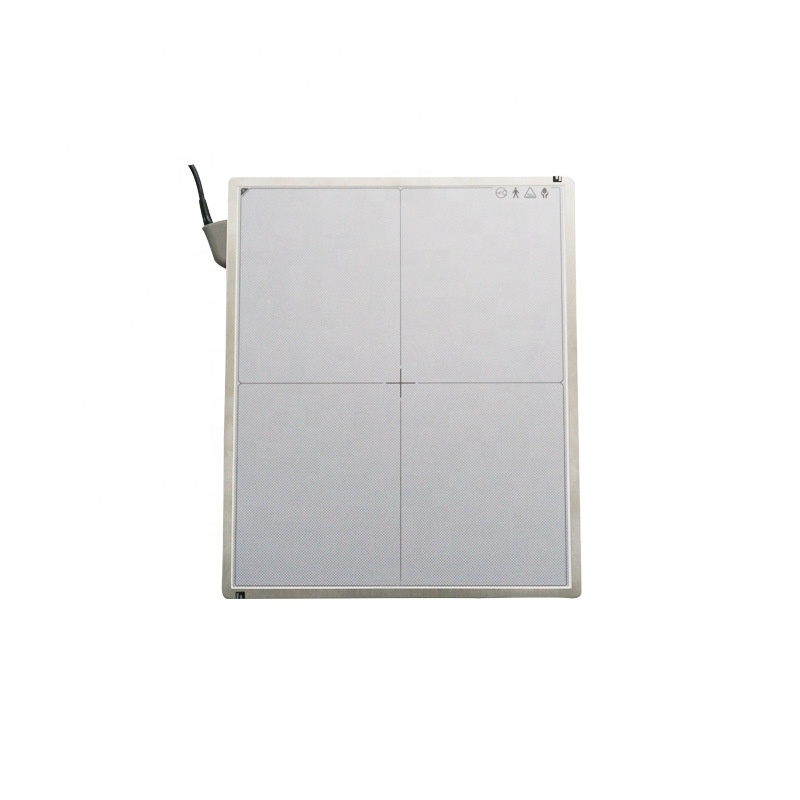
Stitched exams are a fixed-position workflow: the patient is against the wall stand, the panel sits in the bucky tray and does not move between fields. That makes a wired panel the natural fit for this exam type — no battery or connection variables between exposures, and one less thing that can differ between shot one and shot two. The broader trade-offs are laid out in the wired vs wireless comparison; for stitched work specifically, the argument tilts further toward the tethered option than everyday department work would suggest.
No special panel is required — stitching runs on standard 14×17 or 17×17 detectors, using two or three overlapping exposures joined by software. What the panel must provide is consistency between exposures: stable calibration, repeatable triggering and uniform response. A dedicated large-format panel is the alternative when you want the whole anatomy in one exposure without stitching software.
The most common causes are, in order: patient movement between exposures; detector response that drifted between the two shots (panel warming or an outdated gain calibration); and inconsistent exposure technique between fields. Fix the positioning and calibration items first — stitching software cannot compensate for inconsistent input data.
It removes the seam problem entirely and shortens exam time, but large-format panels cost more, weigh more and may exceed your generator’s comfortable output. For clinics that run long-length exams occasionally, stitching on a standard panel is usually the pragmatic route; high-volume scoliosis and leg-alignment services justify the large-format investment.
Technically yes, but a wired panel suits the workflow better: stitched exams happen at the wall stand with the panel locked in the bucky tray, so the mobility advantage of wireless is unused, while the wired connection removes battery and link variables between exposures.
Contact: +86 19062611512 (phone/WhatsApp) · Email: admin@newheek.cn
Related reading: durability specs and where a panel really works · what the spec-sheet numbers do in the exam room
Author:Newheek-Detector
Tel:+86 19062611512
Email:admin@newheek.cn
Company:Weifang Newheek Electronic Tech Co., Ltd.