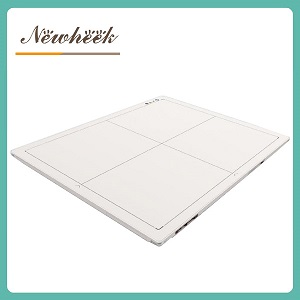
when a clinic swaps film or CR for a digital X-ray flat panel detector, it actually changes two things at once — how the image is captured, and how the image is seen. The panel takes the headlines, but the display half of the upgrade decides whether that new image quality ever reaches the person reading it. A room that captures beautiful digital images and shows them on the wrong screen, in the wrong room, at the wrong brightness, quietly throws away most of what the upgrade paid for. This article covers that display side: what changes when film leaves the viewbox, what kinds of screens a DR room really needs, and the mistakes that show up after delivery day.
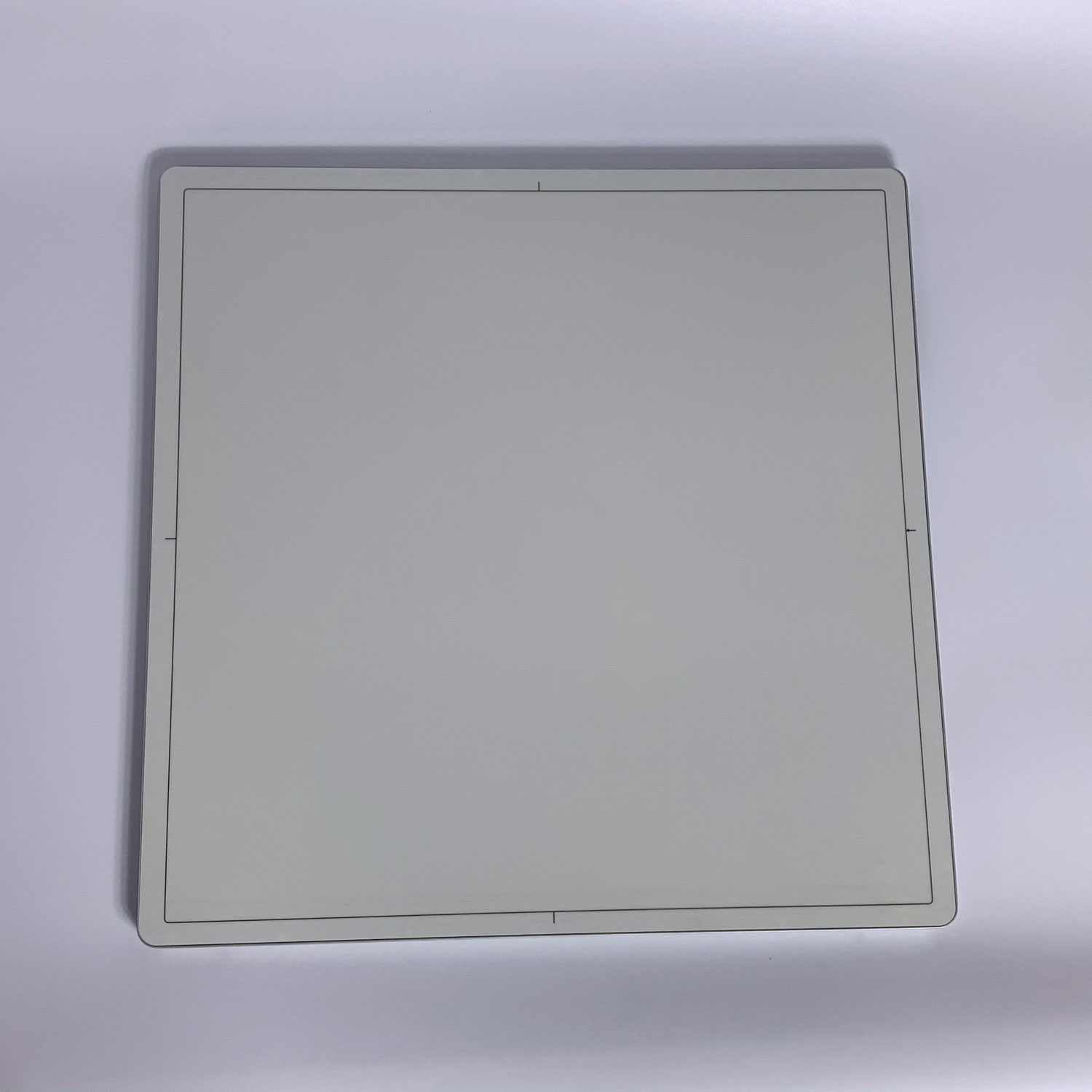
The usual way clinics plan a DR upgrade is detector-first: which panel, which size, wired or wireless, and will it fit the existing table and wall stand. Those questions matter — our detector-side checklist for upgrading a CR or film room to DR covers them step by step. But the moment the panel captures its first image, that image has to live on a screen, and screens follow different rules from film.
Film was forgiving in one strange way: everyone saw the same physical sheet. A viewbox in the exam room and a viewbox in the reading corner showed identical film, as long as the films were clean. Digital images are different — the same study can look crisp on one screen and muddy on another, and the difference is not the detector. It is the display chain: the monitor, the room, and the settings in between.
On a monitor, a captured study is no longer a fixed picture — it is raw data the software can re-render on demand. The reader can adjust brightness and contrast to chase a faint line, zoom into a fracture edge, invert the image, or compare two studies side by side. None of this was possible with film on a lightbox, and it is the quiet reason a well-displayed digital study often outperforms the film it replaced.
But notice what each of those abilities assumes: a screen that can actually show the difference. Subtle gray-level changes that separate healthy tissue from fluid, or a hairline crack from a normal shadow, only survive if the display reproduces them — and reproduces them the same way every time. That is why the display decision deserves the same seriousness as the detector decision.
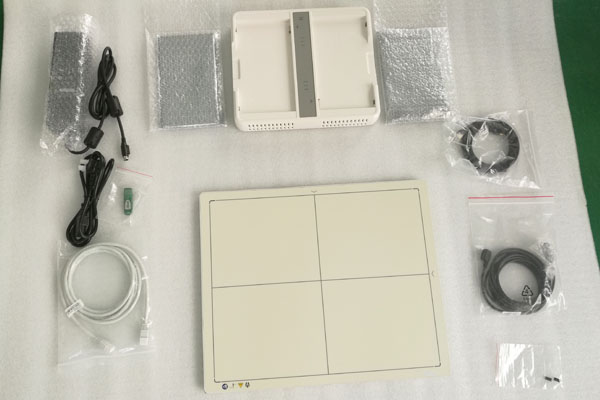
Most clinics that upgrade end up using screens at three different levels — and confusion between the tiers is the root of most display disappointment.
| Tier | What it is for | Watch out for |
|---|---|---|
| Workstation screen at the detector | Positioning checks, preview, retake decisions, exam flow | A general-purpose display is acceptable here; it is not where diagnosis should end |
| Diagnostic reading display | Final image interpretation, subtle findings, measurements | This is the tier worth paying for; brightness stability and gray rendering are the point, not screen size |
| Consultation or referral screen | Showing owners or colleagues, reviewing shared studies | Convenient, but never the final read; if other clinics read your images on unknown screens, say so in reports |
The practical pattern: capture and re-shoot on whatever screen is at hand, but route the final read to your best display, in the room where you control the lighting. If the budget only stretches to one serious screen, that is a defensible choice — as long as everyone knows which screen that is.

The display fits into the upgrade plan at three points. Before purchase: decide which screen in the clinic will be the final-reading screen and whether it already exists or must be budgeted. During installation: connect the acquisition workstation so that preview and reading happen on purpose, not by accident of which screen was plugged in. After go-live: keep one person responsible for the reading environment — room light, screen settings, and the discipline that final reads happen on the final screen.
Software and connectivity belong in the same conversation. The acquisition workstation is where display settings live, buying a detector separately from its software has pitfalls of its own — see can you buy a flat panel detector without software — and once images need to travel between rooms or clinics, the standards behind it are covered in how a detector talks to your room.
For preview and exam-flow work at the detector, usually yes. For final interpretation, that depends on what the existing screen is and where it sits — many clinics discover their current display is fine for tech work but not for reading, and budget one proper reading screen instead of replacing everything.
No. Consistency, gray-level rendering and a controlled reading environment matter more than size. A modest, stable, well-placed display beats a large screen next to a sunny window.
It varies, which is exactly why to ask. Detector kits typically include the panel, cables and acquisition software, while displays may or may not be part of the quote. Put the display explicitly into the purchase conversation so nothing is assumed on either side.
Not guaranteed. Once a study leaves your room, you cannot control the screen it is viewed on — which is why your own reports should carry the final read, and why it is fair to note that shared images are for reference.
If you are planning a move from film or CR to DR, tell us about your room, your current display situation and the software you run — we will help you put together a panel-and-display plan that fits the way your clinic reads images, not just the way it takes them.
Author:Newheek-Detector
Tel:+86 19062611512
Email:admin@newheek.cn
Company:Weifang Newheek Electronic Tech Co., Ltd.