in most CR and film-to-DR retrofits, the flat panel detector physically drops into the space the cassette or film holder used to occupy — but “it fits in the tray” is only the first of five checks. A retrofit succeeds or fails on the detector side: mechanical fit, grid compatibility, the generator interface, the acquisition workstation and network, and a documented acceptance test before sign-off.
The answer to “can a DR panel be retrofitted onto an existing radiography system?” is generally yes — our earlier article on retrofitting DR panels onto existing systems covers that question and its general considerations. What that answer does not give you is a checklist. Retrofit projects rarely fail because the upgrade is impossible; they stall because one detector-side dependency was discovered after the purchase order instead of before it. This article is that pre-purchase walkthrough, focused on the panel and everything attached to it. The machine-side questions — columns, tables, wall stands, and what the room can keep — are a separate subject that deserves its own checklist.
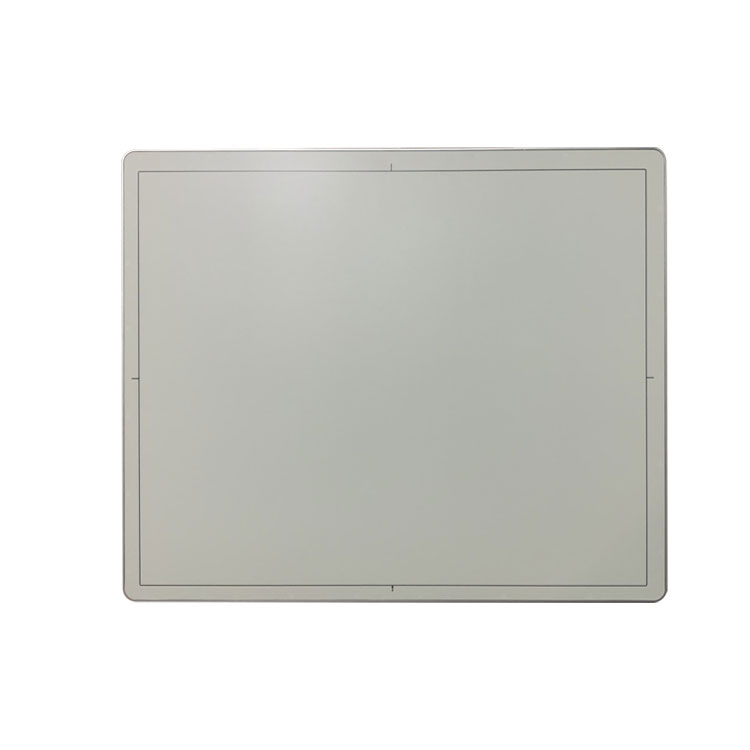
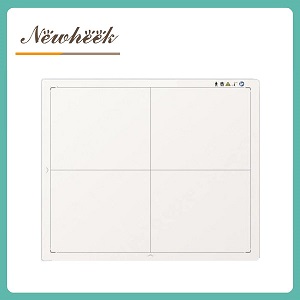
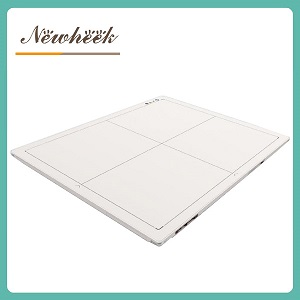
A retrofit panel is usually chosen in a cassette-style form factor precisely so it can reuse the room’s existing holding hardware: the wall-bucky tray, the table tray, or a cassette holder on a mobile stand. That does not make the fit automatic. Confirm each of these for every tray the panel will live in:
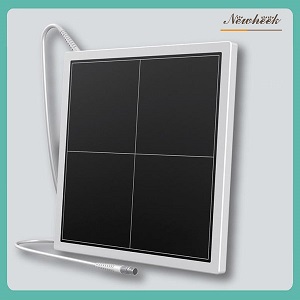
For wireless panels the tray question changes shape: the panel must be removable by design, so the check becomes whether the tray interferes with charging, antennas, or the handle. The trade-offs between the two formats are covered in our article on wired versus wireless flat panel detectors, and the cassette form factor itself is profiled in our guide to cassette-size wireless panels.
Most film and CR rooms already have an anti-scatter grid, and the first instinct is to keep it. Sometimes that is right; sometimes the grid becomes the artifact source. Three detector-side checks:
Do not buy grid hardware or delete the grid based on a sales conversation. Run the acceptance tests both ways and look at your own images.
A film cassette never needed to be told anything; a digital detector does. This is the single most underestimated retrofit question, and it has three standard answers:
| Interface method | How it works | What to check |
|---|---|---|
| Generator exposure signal | A cable from the generator tells the panel exactly when the exposure starts and ends | Whether your generator can output the signal, which interface standard it uses, and who supplies the cable — this is the most reliable option and the first thing to ask about |
| Automatic radiation detection | The panel senses the beam itself and starts/ends acquisition automatically | Minimum and maximum technique ranges where auto-detection is dependable; edge cases like very low-dose pediatric techniques deserve an explicit test |
| Wireless panel trigger | The wireless panel manages exposure timing through its own link | Behavior in rooms with heavy radio traffic, and whether the trigger workflow matches how your technologists actually sequence exposures |
Ask the supplier which method they support, ask the generator’s service company which outputs it can provide, and get the two answers in the same room before you order. Once the panel and generator agree on timing, the next hop in the chain — how images and patient worklists move from the acquisition workstation into your PACS — is a DICOM integration question, and it is covered in depth in a separate guide on our blog.
In a film room, the “processing” happened in a darkroom and a processor. In a DR retrofit, it happens in the acquisition workstation — and this box replaces more infrastructure than people expect:
A retrofit is finished when it is verified, not when it is installed. The acceptance session should take under two hours and should leave you with archived evidence:
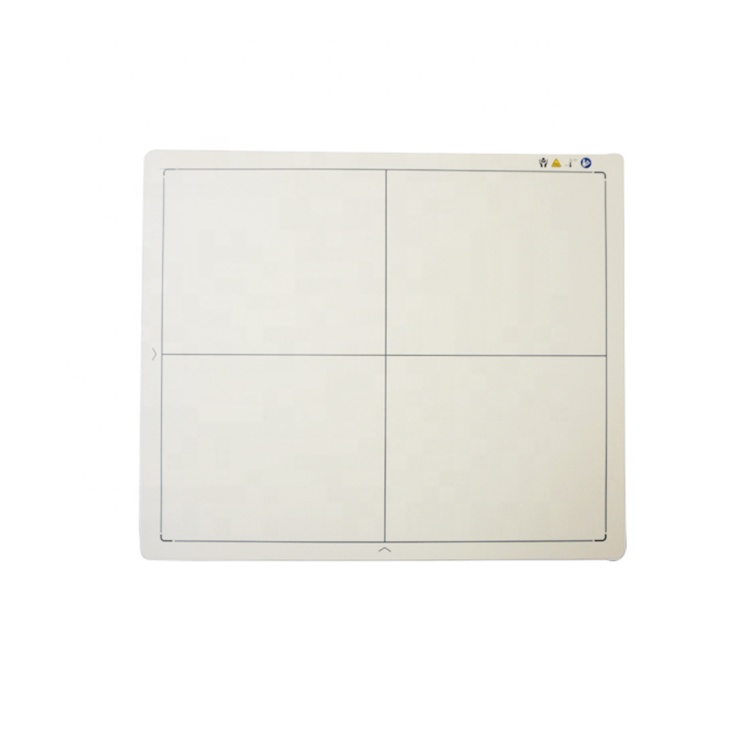
One honest framing helps close the project: the upgrade retires the film, the cassettes, the processor, the chemistry, and the darkroom — the entire consumables chain that made analog imaging expensive to run. It keeps the room’s radiation infrastructure: the generator, the tube, the table, the wall stand, and the protection equipment. Some of what it keeps will be re-checked (the generator interface), some will be reused untouched (the wall stand tray now holding a panel instead of a cassette), and some may be deliberately retired after testing (the stationary grid). Mapping those three buckets before the purchase order is what separates a two-day retrofit from a two-month one.
If you are comparing panels for a retrofit, our article on how to choose a DR flat panel detector covers the selection factors, and the construction choices behind panel longevity — backplane technology among them — are compared in our guide to a-Si, IGZO, and CMOS backplanes. For a quick refresher on why the upgrade is worth making, see our comparison of CR and DR.
No — the workflows are fundamentally different. A CR system reads a photostimulable plate through a separate reader; a DR panel images directly and sends data to the acquisition workstation. The CR reader and its plates are retired in a standard retrofit, and the panel takes over the cassette’s physical position in the room.
Usually not. Most generators in service can support a detector retrofit — the question is which exposure interface they can provide. Confirm the generator’s signal output with its service company before ordering the panel; if the generator is due for replacement anyway, sequencing the two projects together saves a second installation visit.
Physically, usually yes. Optically and in software, it must be tested: stationary grids can interact with the panel’s pixel structure, and the acquisition software may need the grid configured. Run acceptance images with the room’s actual grid before committing to keep it.
With the five checks above completed before delivery, installation and acceptance are typically a matter of days, dominated by the generator interface work. Most schedule overruns trace back to dependencies that should have been caught on paper: a tray that does not close, a generator without a defined signal, or a PACS connection nobody configured.
A CR-to-DR retrofit is one of the highest-return upgrades a film-era room can make, and the detector is the heart of it. But the panel you buy is only as good as the room checklist behind it: measure every tray, settle the grid question with your own images, close the generator interface question in writing, plan the workstation’s place in the network, and archive an acceptance baseline before the final payment. Do that, and the retrofit is boring in the best possible way.
Planning a film or CR room upgrade? Contact us with the room’s details — tray dimensions, generator age, and how images should reach your PACS — and we will help you match a flat panel detector to the room you actually have.
Author:Newheek-Detector
Tel:+86 19062611512
Email:admin@newheek.cn
Company:Weifang Newheek Electronic Tech Co., Ltd.