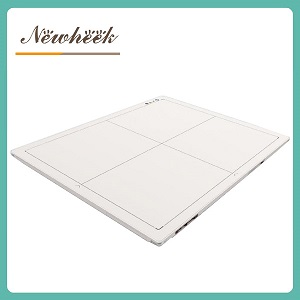
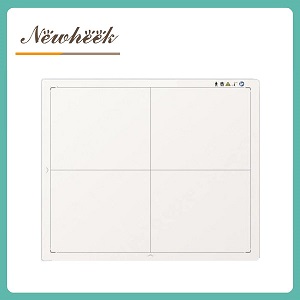
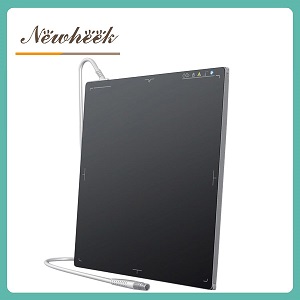
The mammography X-ray detector must be operated in accordance with standard procedures to produce images that meet diagnostic standards.
Pre-Operation Equipment Preparation
Complete device warm-up after daily startup, and calibrate detector performance with a standard phantom.
Ensure the temperature and humidity of the examination room meet equipment requirements, and keep the detector surface clean and free of foreign objects.
Verify normal signal connection between the detector and the workstation to avoid frame loss during exposure.
Positioning and Detector Tray Fitting
For Mediolateral Oblique (MLO) view: Fully pull the examined breast and pectoralis major to completely cover the effective area of the detector.
For Craniocaudal (CC) view: Lift all posterolateral breast tissue onto the detector, with the nipple aligned to the center of the tray.
Place the contralateral breast at the corner of the detector tray to avoid blocking the imaging area.
Parameter Matching Before Exposure
Select the target and filter combination according to breast thickness: use molybdenum target for thin breasts, and tungsten target for thick breasts.
Half-press the exposure button under auto-exposure mode, and fully press it to complete exposure after the device finishes parameter calculation.
Increase the kV value synchronously with breast thickness in manual mode to prevent overexposed or underexposed images.
Image Processing After Exposure
Wait 2-3 seconds after exposure, confirm the detector successfully outputs high-definition images before releasing the compression paddle.
Arrange bilateral breast images as required, with the bases placed back-to-back to ensure qualified tissue layers and contrast.
After confirming the images meet Dicom 3.0 standards, directly connect to the PACS system to complete transmission and archiving.
Post-Operation Maintenance and Safety
Clean the detector surface after daily inspection, reset the stand before turning off the device power.
Calibrate the detector’s spatial resolution and Z-axis resolution regularly to avoid image quality degradation.
Do not adjust device buttons during exposure to prevent damage to the detector hardware.
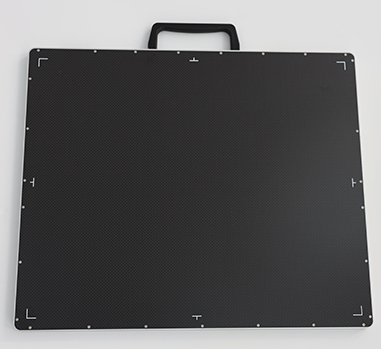
If you show interest in our products, please contact us for a full quotation and technical specification sheet.
Email :newheekcn@163.com
Tel:+86 19015366638 ;
Whatsapp:+86 19015366638
Author:Newheek-Detector
Tel:+86 19062611512
Email:admin@newheek.cn
Company:Weifang Newheek Electronic Tech Co., Ltd.